
Saltar al contenido principal

Prompts

Gradient background prompts

Gradients are easy to get wrong: muddy midpoints, harsh banding and text that becomes unreadable on the bright part. These prompts define the exact color stops, the direction and, for animated ones, how slowly the colors move, and they pair every gradient with a contrast check for the text on top. The animated ones are pure CSS with no library, and they stop moving when a visitor prefers reduced motion. Pick a gradient that matches your brand colors and keep the movement slow enough to feel calm.

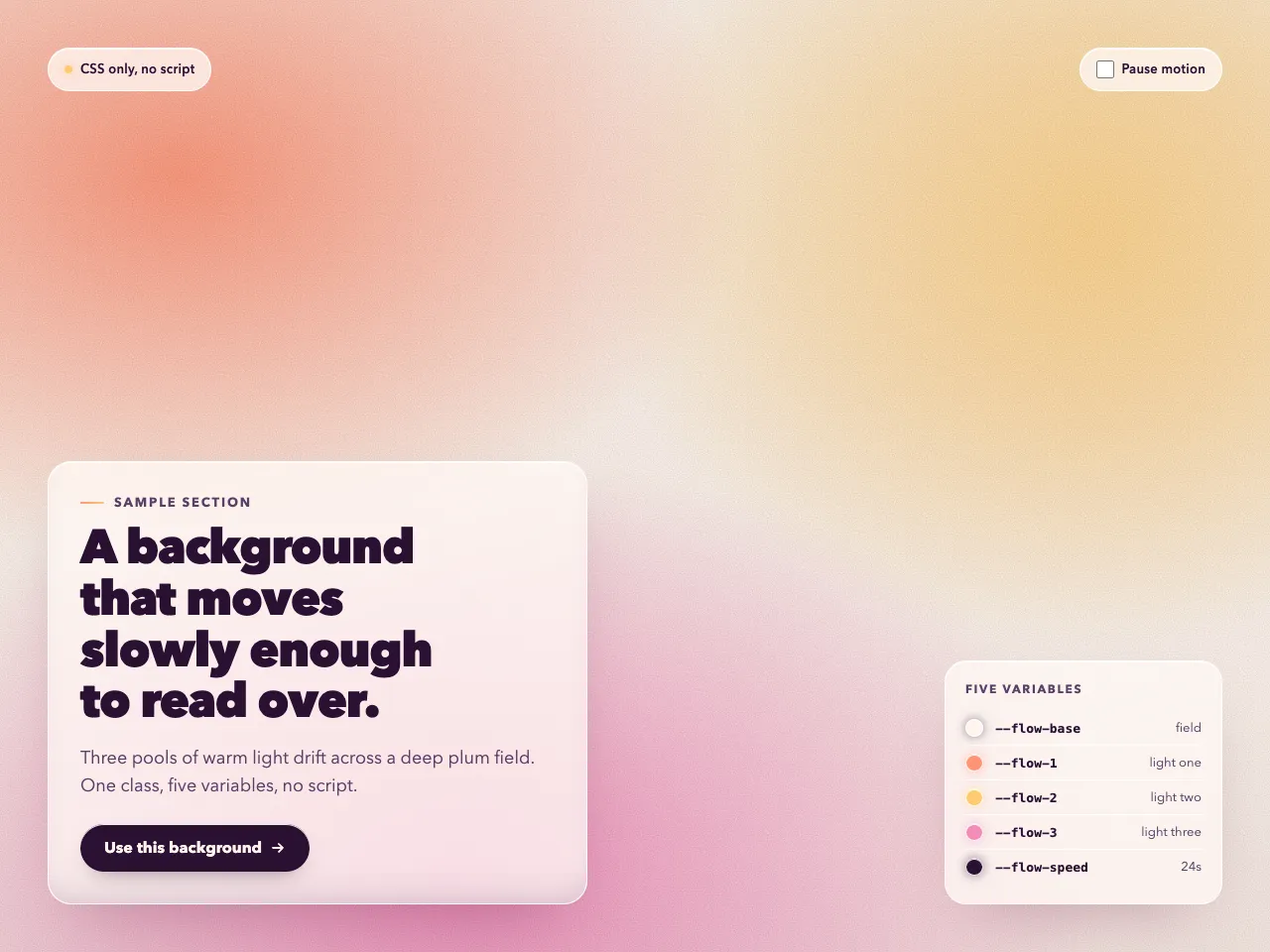
  • Ember Field preview

    GradientsWith a plan

    Ember Field

    A full-bleed animated gradient background in pure CSS: luminous persimmon, saffron and rose-magenta light drifting over deep plum, with a light bloom, vignette and film grain, one reusable class and five variables.

    • Bold
    • Cl
    • Cu
    • v0
    • Lo
    • Bo
    • GP
    View

See every prompt

Questions

Do animated gradients slow a page down?

A CSS-only gradient that moves a background position or a few layers is light, but large blurred layers can be heavy on older phones. These prompts keep the animation simple and pause it for visitors who prefer less motion.

How do I keep text readable on a gradient?

Check contrast against the lightest and darkest parts of the area behind the text, or put the text on a calm panel. The prompts name the contrast targets so your tool can check them.