
Property Manager
AI tools for property managers: what to use and what it costs
Property management is a flood of small messages: a leak at 11pm, an owner asking for the monthly numbers, a prospect asking whether the flat is still available. Here's how AI sorts and drafts that flood, and why it is deliberately kept away from deciding who gets to rent.
What the setup unlocks: All 4 budget plans · copy-paste AI wording · app connections · setup checklist · cheaper swaps · optional monthly research, a briefing and plan updates
7-day money-back guarantee, no questions asked.
Claude
Pro
Tidio
Starter
Who does what in this plan
Every job in the plan has an owner: you, or you with AI doing the work for you to approve. In your own account you can change any of them.
- You3
- You + AI9
Jobs this plan keeps human
Choosing tenants
Selection decisions must follow written criteria applied by a person.
Evictions and legal notices
These have legal consequences, so a responsible person handles them.
Safety and emergency repairs
A leak or a gas smell needs a person to act now.
Money owed and deposits
Rent and deposit decisions are yours.
Your website
A site for a business like this, drafted by the software
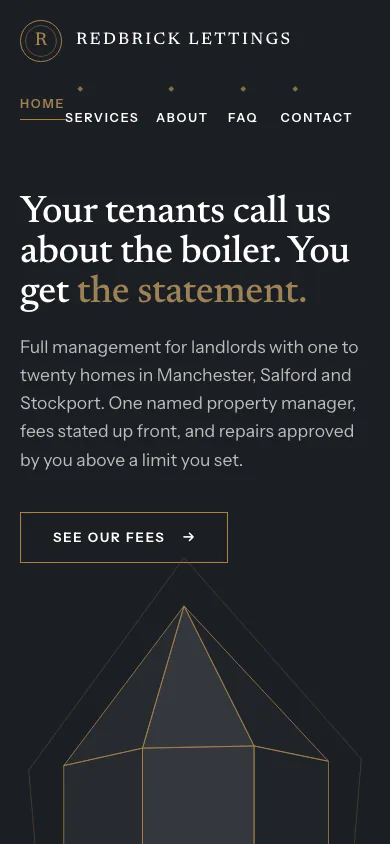
Redbrick Lettings is a made-up lettings and property management. The software read its facts and picked the Quartz Look.
Why this Look
Quartz sets a restrained serif on a pale stone colour, so a landlord reading fees and legal duties gets the sober tone the subject deserves.
Yours is drafted from your own answers. You edit it, and you publish it.
See all the examples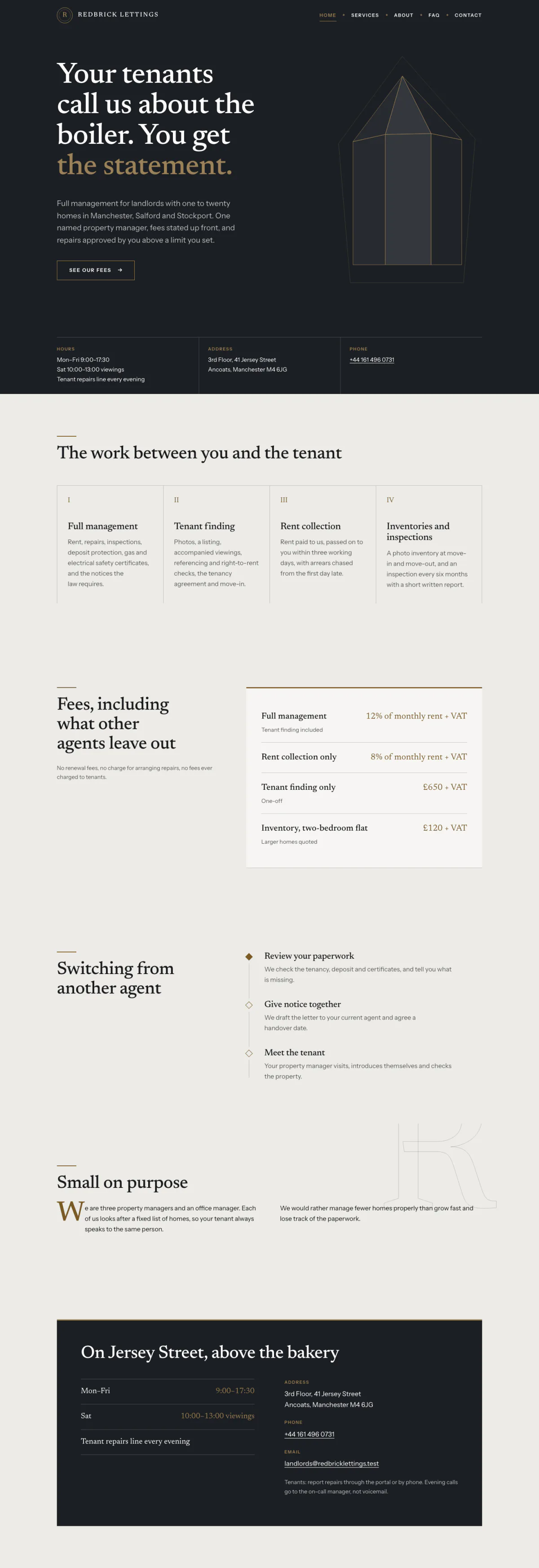
Hover or focus to scroll through the pageA still of the whole page
Pick your budget
Free on this page: the full $50 starter set of tools and every section of the sample plan. The $99 one-time setup unlocks all 4 budgets and setup steps for your plan, adapted to your answers, with AI drafts checked by a person. Optional Kept current at $29/month adds monthly business research, a briefing and plan updates. Starts only if you say yes. Stop any time and keep your plan.
What this budget buys
Tenant FAQs answered around the clock, and your drafting done for you.
$49/mo
2 tools
- ClaudeGeneral AI assistants
- TidioCustomer support AI
- Which plan to pick for each tool
- The order to set them up in
- A cheaper swap for each one
Unlocked by the one-time setupFind my plan
- Customer support AI$29
- General AI assistants$20
- Left for usage and growth$51
Leaves about $51/mo of your budget for usage costs and growth.
- Dapols setup
- $99 once
- AI development projects reviewed on Clutch
- $10,000–$49,999 per project
Source: Clutch AI pricing guide (checked Sep 23, 2026)
Preview — the $50 starter plan is shown in full · We re-check these prices in batches and show the date of the last check, but vendors change them whenever they like — always confirm on the vendor's site before you buy.
Cheaper swaps for every pick
We don't just name one tool. For each pick we show money-saving alternatives that do the same job — and the $50 starter budget is your leanest set of tools if you want the cheapest credible setup.
Everything inside this plan
What this looks like day to day
In plain words — no tool names, no jargon. AI drafts; you approve.
- — Repeat tenant questions about repairs, rent, and keys get answered from your own FAQ at any hour, and anything else comes to you.
- — A repair text becomes a work order with the unit, urgency, and photos, with the tenant and contractor messages drafted for you to send.
- — Listings are drafted from the unit sheet and describe the property, never the ideal tenant.
- — Owner updates start from the month's figures, and you check every number before sending.
- — Who gets to rent is decided by people using written criteria. No AI screens or ranks applicants.
Your first week
One task a day, none over twenty minutes.
- Day 1Draft the listing for your next vacancy from its unit sheet, then read it once for any words about people. · ~15 min
- Day 2Write down your applicant criteria, dated, and check them against your local fair-housing rules. · ~20 min
- Day 3List the ten questions tenants asked most last month, with your answers. That is your chat FAQ. · ~20 min
- Day 4Build a short repair form that asks what a contractor needs: unit, issue, photos, access times. · ~20 min
- Day 5Draft one owner update from last month's figures and check every number against your books. · ~20 min
Ready-to-use AI wording inside
· 3Neutral listing from a unit sheet · paste into Claude or ChatGPT
Here is one of them in full.
Unit facts: [PASTE — bedrooms, size, features, location, availability, rent, terms]. Write a clear listing that describes the property and its location only. Do not describe the kind of person who should live there, and avoid any wording about family status, age, religion, disability, nationality, or other protected characteristics. End with how to arrange a viewing.
The other 2 are in the unlocked plan, each with a note on when to use it.
AI helpers & app connections are part of the plan
· 4Ready-made AI helpers with safety rules, plus the app connections that plug your AI into the apps you already use.
One of them, in full:
- Maintenance intake agent — Turns each repair request into a structured work order (unit, issue, urgency, photos, access notes) and drafts the tenant acknowledgement and the contractor note for you to approve.
The remaining 3 are in the unlocked plan, with the safety rules set for your business.
How to set it up
Step-by-step, in plain English. Included with the plan:
- 1Write down your tenant-selection criteria and fair-housing rules once, dated. No AI tool screens, ranks, or rejects applicants; people apply the written criteria the same way every time.
- 2Build a tenant FAQ from the last month of messages (repairs, payments, bins, keys) and load it into your site chat so repeat questions get answered at any hour.
- Steps 3–4 are in your unlocked plan
The one-time setup unlocks the full step-by-step setup sequence and every ready-made automatic job, customized to your answers.
Get my plan — 2 minutes, then $99
Automatic jobs you'll set up
- Repair form → work orderMedium4–8 hrs/mo
- Listing from a unit sheetEasy2–4 hrs/mo
- 1 more automatic jobs come with the unlocked plan
Full how-to for each automatic job is included in the plan.
What to skip (for now)
Monthly research and updates, if you choose.
Your one-time purchase unlocks the full plan: setup steps, guides for each automatic job, ready-to-use AI wording and app connections, with AI drafts checked by a person. Nothing continues after that purchase. About a month later, we ask whether you want Kept current: monthly search, AI-visibility and competitor research, a short briefing, plan re-assessment, model notes, price alerts and dated Friday updates. It starts only if you say yes. Stop any time and keep your plan.
7-day money-back guarantee, no questions asked.
You're not left alone with it
Every plan includes consultation for the specific questions your business throws up — a step that doesn't match your setup, a tool you already pay for, a price that moved. A consultant at Dapols answers within 24–48 working hours. It isn't instant, and it isn't a bot you argue with.
Consultation with a person, up to 4 times a month
Bigger or more complex?
If your scope is bigger than one plan — several jobs, unusual systems, or a connection that needs a person — that's a custom engagement, quoted and invoiced directly, not through our checkout.
Questions about AI tools for property managers
What does AI cost for property managers?
Finding your plan is free: a short questionnaire, no card. The full plan is $99, paid once. The tools it names are bought from their own makers at the monthly budget you choose, and each one shows its price and the date we checked it. Dapols takes no share of what you sell or spend. Refunds are available for 7 days.
How long does it take to set up?
You get the whole plan the moment you pay. It starts with a first week of one small task a day, then a 90-day roadmap for the rest, so you set up one tool at a time, at your own pace. Dapols does not log in to your accounts or set the tools up for you.
What stays with me, and what does AI do?
Every job in the plan is labelled: yours to keep, or AI does the work and you approve it. In this plan, jobs kept with you include Choosing tenants, Evictions and legal notices, and Safety and emergency repairs. Nothing is sent, posted, bought or published on your behalf.
Is it a subscription?
No. The $99 is charged once and nothing renews by itself. There is an optional $29/month subscription that keeps your research and prices current. It starts only if you say yes, and you can stop any time and keep everything already delivered.