
Therapist & Counsellor
AI tools for therapists and counsellors: what to use and what it costs
Private practice is clinical work wrapped in a surprising amount of admin: the enquiry that needs a careful reply, the profile that has not been updated in two years, the policy page you keep meaning to rewrite. Here's how AI drafts that admin, and the one line this plan never crosses: your clients' information stays out of it.
What the setup unlocks: All 4 budget plans · copy-paste AI wording · app connections · setup checklist · cheaper swaps · optional monthly research, a briefing and plan updates
7-day money-back guarantee, no questions asked.
Claude
Pro
Canva
Pro
Who does what in this plan
Every job in the plan has an owner: you, or you with AI doing the work for you to approve. In your own account you can change any of them.
- You4
- You + AI8
Jobs this plan keeps human
Clinical notes and records
They hold confidential health information and stay in your own records system.
Risk and crisis messages
Someone at risk needs you, not a draft, along with crisis signposting you wrote.
Clinical judgement and advice
Assessment, diagnosis and treatment choices belong to you and your profession.
Replies about a client's own therapy
Anything about a client's work with you is written by you.
Fees, refunds and insurance claims
Money conversations and claim forms are yours to decide and sign.
Your website
A site for a business like this, drafted by the software
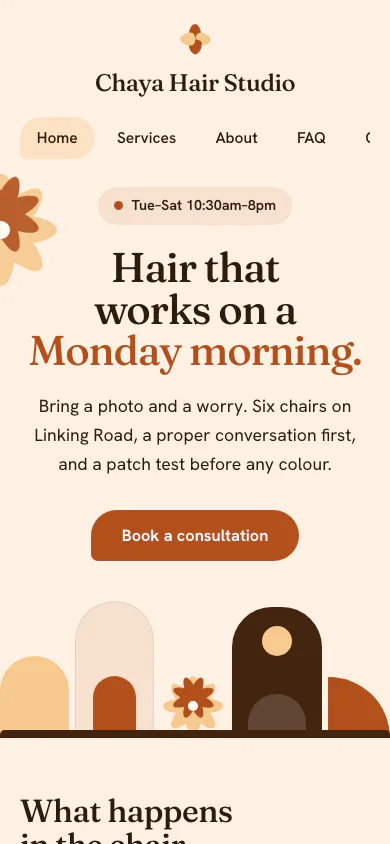
We have no example for this exact trade yet, so this one is a made-up hair salon: Chaya Hair Studio. Yours would be drawn from your own facts.
Why this Look
Bloom's soft curves and slow pace suit a salon whose selling point is that nobody is hurried through the chair.
Yours is drafted from your own answers. You edit it, and you publish it.
See all the examples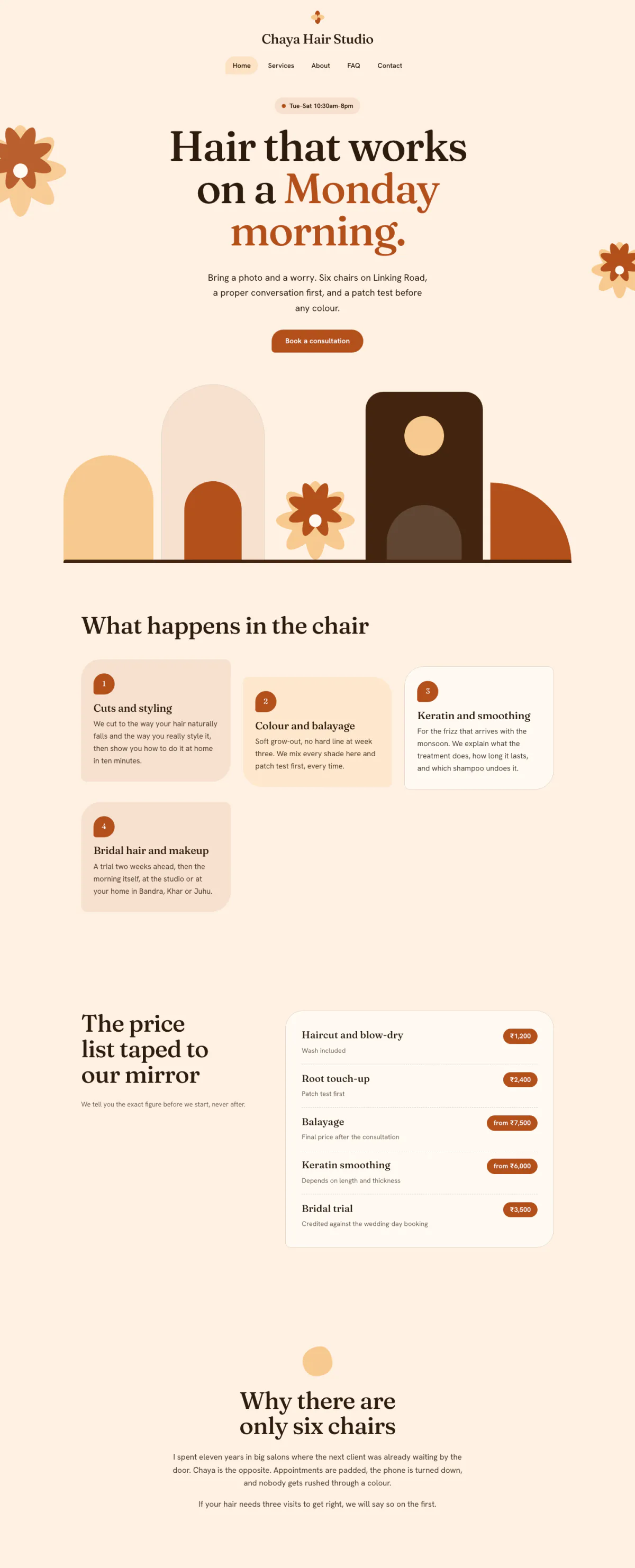
Hover or focus to scroll through the pageA still of the whole page
Pick your budget
Free on this page: the full $50 starter set of tools and every section of the sample plan. The $99 one-time setup unlocks all 4 budgets and setup steps for your plan, adapted to your answers, with AI drafts checked by a person. Optional Kept current at $29/month adds monthly business research, a briefing and plan updates. Starts only if you say yes. Stop any time and keep your plan.
What this budget buys
Admin and marketing drafted from your notes, with no client details anywhere.
$35/mo
2 tools
- ClaudeGeneral AI assistants
- CanvaImage & design AI
- Which plan to pick for each tool
- The order to set them up in
- A cheaper swap for each one
Unlocked by the one-time setupFind my plan
- General AI assistants$20
- Image & design AI$15
- Left for usage and growth$65
Leaves about $65/mo of your budget for usage costs and growth.
- Dapols setup
- $99 once
- AI development projects reviewed on Clutch
- $10,000–$49,999 per project
Source: Clutch AI pricing guide (checked Sep 23, 2026)
Preview — the $50 starter plan is shown in full · We re-check these prices in batches and show the date of the last check, but vendors change them whenever they like — always confirm on the vendor's site before you buy.
Cheaper swaps for every pick
We don't just name one tool. For each pick we show money-saving alternatives that do the same job — and the $50 starter budget is your leanest set of tools if you want the cheapest credible setup.
Smart swaps
Same job, different budget. Swap any pick for one of these if it fits you better.
Everything inside this plan
What this looks like day to day
In plain words — no tool names, no jargon. AI drafts; you approve.
- — General enquiries get a calm, consistent reply from templates you wrote once and personalise each time.
- — Your directory profiles and 'what to expect' page are redrafted from your own notes, in plain words and without outcome promises.
- — Policies that lived in old documents become one clear handbook page a new client can read before the first session.
- — Articles and newsletters start from your bullet points on a general topic, and you fact-check every line.
- — Client names, notes, and anything said in session never go into an AI tool. That part of the work stays entirely yours.
Your first week
One task a day, none over twenty minutes.
- Day 1Write your one-page AI line: what AI may draft (admin, marketing, templates) and what never goes near it (client names, notes, session content). · ~15 min
- Day 2Draft your 'what to expect in a first session' page from your own notes and edit it until it sounds like you. · ~20 min
- Day 3Turn your cancellation, fee, and confidentiality notes into one plain-English policy page, then check it against your professional code. · ~20 min
- Day 4Write three enquiry-reply templates (availability, fees, first session) and save them where you reply from. · ~20 min
- Day 5Check the crisis and out-of-hours wording on your website, voicemail, and email auto-reply. Write it yourself rather than letting AI draft it. · ~15 min
Ready-to-use AI wording inside
· 3Directory profile or 'about me' page · paste into Claude or ChatGPT
Here is one of them in full.
Write a warm, plain-English profile for my private practice. Who I work with: [CLIENT GROUPS]. Issues I work with: [ISSUES]. My approach, in my own words: [APPROACH NOTES]. Training and registration exactly as they must appear: [CREDENTIALS]. Practical details: [FORMAT, LOCATION, AVAILABILITY]. Under 250 words, first person, and describe how I work rather than what clients will achieve. No outcome promises, no testimonials, and no claims about qualifications beyond what I listed.
The other 2 are in the unlocked plan, each with a note on when to use it.
AI helpers & app connections are part of the plan
· 3Ready-made AI helpers with safety rules, plus the app connections that plug your AI into the apps you already use.
One of them, in full:
- Practice-admin drafting agent — Sends the welcome email after each booking and drafts general enquiry replies and monthly article outlines from your templates and notes, with no client details involved.
The remaining 2 are in the unlocked plan, with the safety rules set for your business.
How to set it up
Step-by-step, in plain English. Included with the plan:
- 1Write your AI line down, dated: no client names, notes, session content, or anything that could identify a client goes into any cloud AI tool. AI drafts practice admin and marketing only.
- 2Build one practice handbook: cancellation and fee policy, confidentiality and its limits, what to expect in a first session, and the crisis and resource list you have written and checked yourself.
- Steps 3–4 are in your unlocked plan
The one-time setup unlocks the full step-by-step setup sequence and every ready-made automatic job, customized to your answers.
Get my plan — 2 minutes, then $99
Automatic jobs you'll set up
- Booking → welcome emailMedium1–3 hrs/mo
- Notes → article draftEasy2–4 hrs/mo
- 1 more automatic jobs come with the unlocked plan
Full how-to for each automatic job is included in the plan.
What to skip (for now)
Keep anything near your notes on your own computer.
For de-identified drafting of your own templates and letters, such as a note structure, a referral letter skeleton, or an end-of-therapy letter template, a model running on your own computer means nothing leaves the room. Even so, check your licensing body and data-protection law (such as HIPAA in the US, GDPR or UK GDPR) before using any AI on clinical material, and never paste identifiable client data into any tool, local or not.
Free local runner
LM Studio- Laptop (16GB RAM): A smaller open model handles template wording and letter structure comfortably.
- Desktop (32GB+ RAM or a GPU): A larger open model gives better structure on longer templates, still fully offline.
Running locally keeps drafts on your machine; it does not change your professional duties. Your notes, judgement, and records stay yours.
Setup — no cost, no account
- Download LM Studio for free from lmstudio.ai. It is a point-and-click app, so no terminal is needed.
- Search for and download an open model sized for your hardware directly in the app.
- Draft your templates and letter structures offline, from de-identified wording only.
- Keep the computer encrypted and password-protected, as you would for any practice records.
Monthly research and updates, if you choose.
Your one-time purchase unlocks the full plan: setup steps, guides for each automatic job, ready-to-use AI wording and app connections, with AI drafts checked by a person. Nothing continues after that purchase. About a month later, we ask whether you want Kept current: monthly search, AI-visibility and competitor research, a short briefing, plan re-assessment, model notes, price alerts and dated Friday updates. It starts only if you say yes. Stop any time and keep your plan.
7-day money-back guarantee, no questions asked.
You're not left alone with it
Every plan includes consultation for the specific questions your business throws up — a step that doesn't match your setup, a tool you already pay for, a price that moved. A consultant at Dapols answers within 24–48 working hours. It isn't instant, and it isn't a bot you argue with.
Consultation with a person, up to 4 times a month
Bigger or more complex?
If your scope is bigger than one plan — several jobs, unusual systems, or a connection that needs a person — that's a custom engagement, quoted and invoiced directly, not through our checkout.
Questions about AI tools for therapists and counsellors
What does AI cost for therapists and counsellors?
Finding your plan is free: a short questionnaire, no card. The full plan is $99, paid once. The tools it names are bought from their own makers at the monthly budget you choose, and each one shows its price and the date we checked it. Dapols takes no share of what you sell or spend. Refunds are available for 7 days.
How long does it take to set up?
You get the whole plan the moment you pay. It starts with a first week of one small task a day, then a 90-day roadmap for the rest, so you set up one tool at a time, at your own pace. Dapols does not log in to your accounts or set the tools up for you.
What stays with me, and what does AI do?
Every job in the plan is labelled: yours to keep, or AI does the work and you approve it. In this plan, jobs kept with you include Clinical notes and records, Risk and crisis messages, and Clinical judgement and advice. Nothing is sent, posted, bought or published on your behalf.
Is it a subscription?
No. The $99 is charged once and nothing renews by itself. There is an optional $29/month subscription that keeps your research and prices current. It starts only if you say yes, and you can stop any time and keep everything already delivered.